Google-Extended vs Search Console's AI Opt-Out: Which One Actually Removes You From AI Overviews?
Blocking Google-Extended won't remove you from AI Overviews. Here's what Google's new Search Console AI control does, what it costs, and which one to use.

By Bhavishya Jain, Organic Growth and AI Search Specialist
Published , 3 minute read
In this article
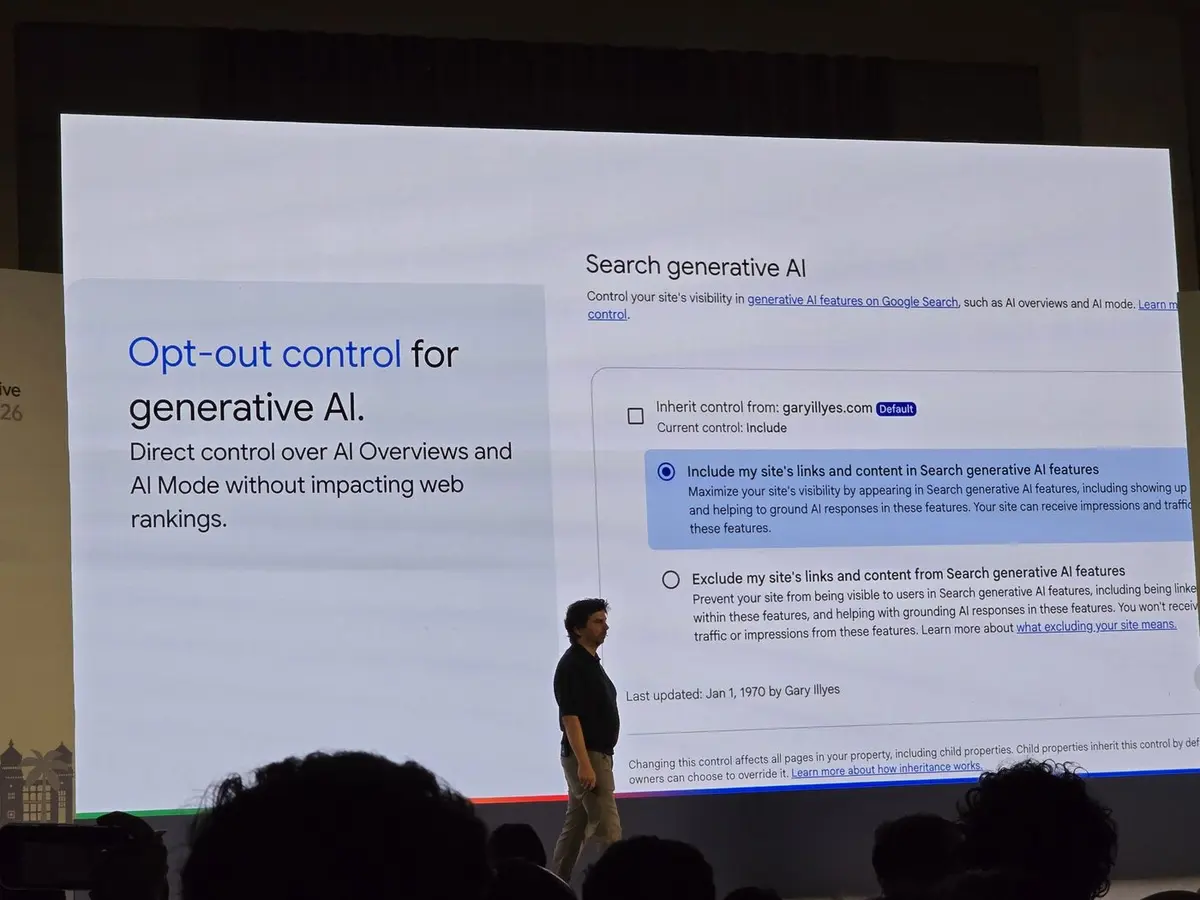
Many site owners blocked Google-Extended in robots.txt believing it would keep their content out of Google’s AI answers. At Search Central Live in Bengaluru, Google said plainly that it doesn’t work that way. It also showed a new control in Search Console that does.
Here’s what each control actually does, what it costs, and how to decide.
The short answer
- To leave AI Overviews and AI Mode: use the new Search Console setting, “Search generative AI”.
- To keep your content out of future Gemini training: block Google-Extended in robots.txt.
- llms.txt: does nothing at Google. Google said it doesn’t use it.
Control 1: the Search Console “Search generative AI” setting
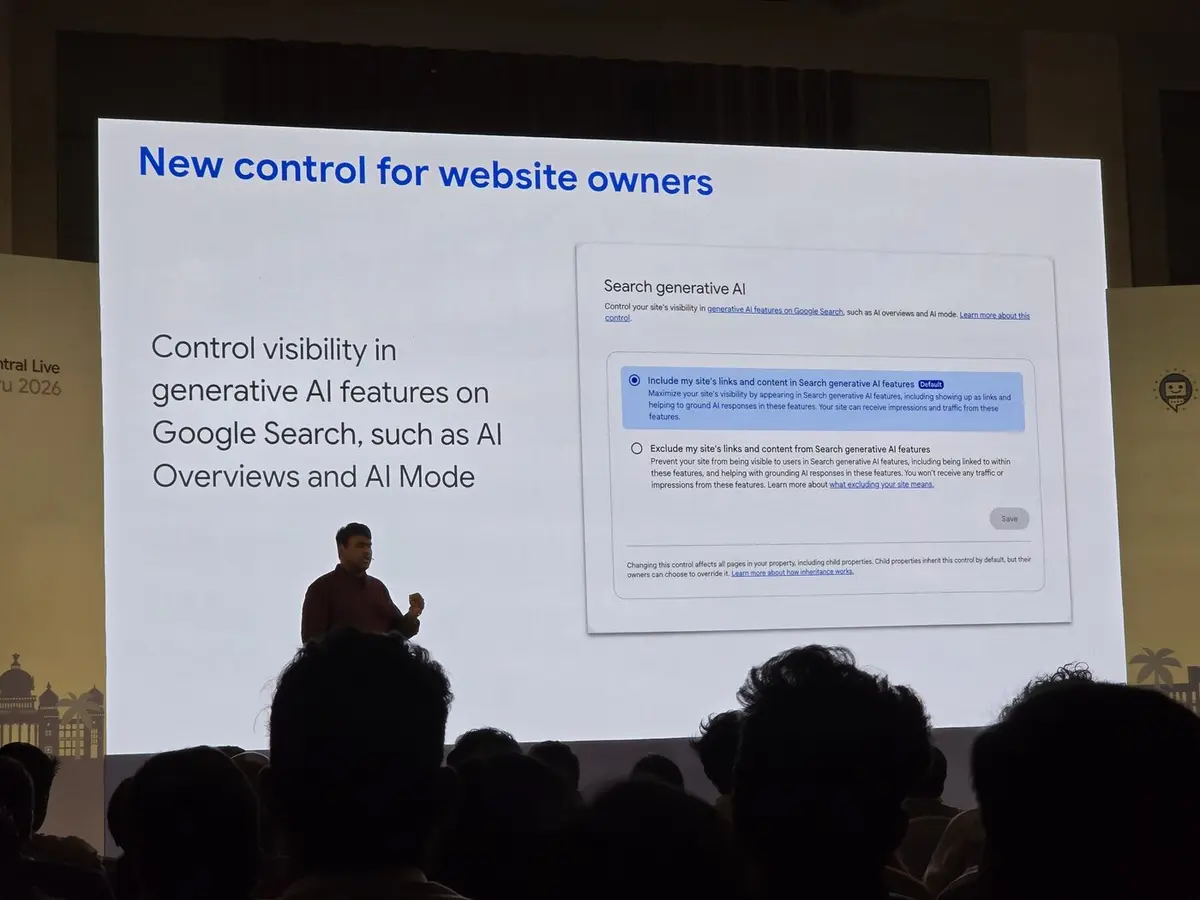
Google described it as a new control for website owners: direct control over your site’s visibility in generative AI features on Google Search, such as AI Overviews and AI Mode. It has two options:
| Option | What happens |
|---|---|
| Include (default) | Your links and content can appear in AI Overviews and AI Mode and help ground AI responses. You can receive impressions and traffic from these features. |
| Exclude | Your site isn’t shown or linked in these features and doesn’t help ground AI responses. You won’t receive any traffic or impressions from them. |
Two details matter for larger sites:
- The setting applies to every page in the property, including child properties.
- Child properties inherit the setting by default, but their owners can override it.
Control 2: Google-Extended in robots.txt
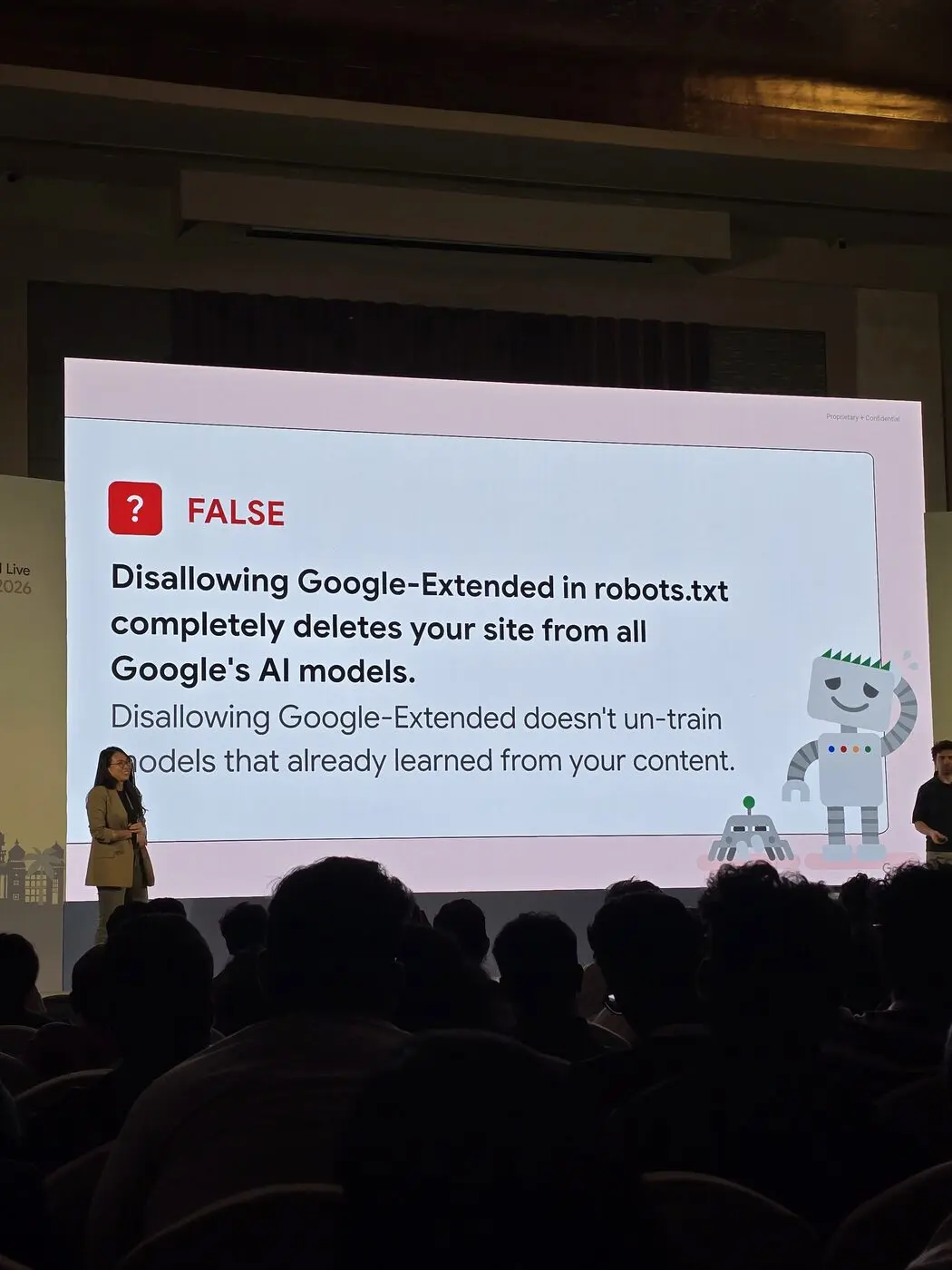
Google busted two common beliefs about Google-Extended on stage.
Myth: disallowing Google-Extended deletes your site from all of Google’s AI models. False. It doesn’t un-train models that have already learned from your content.
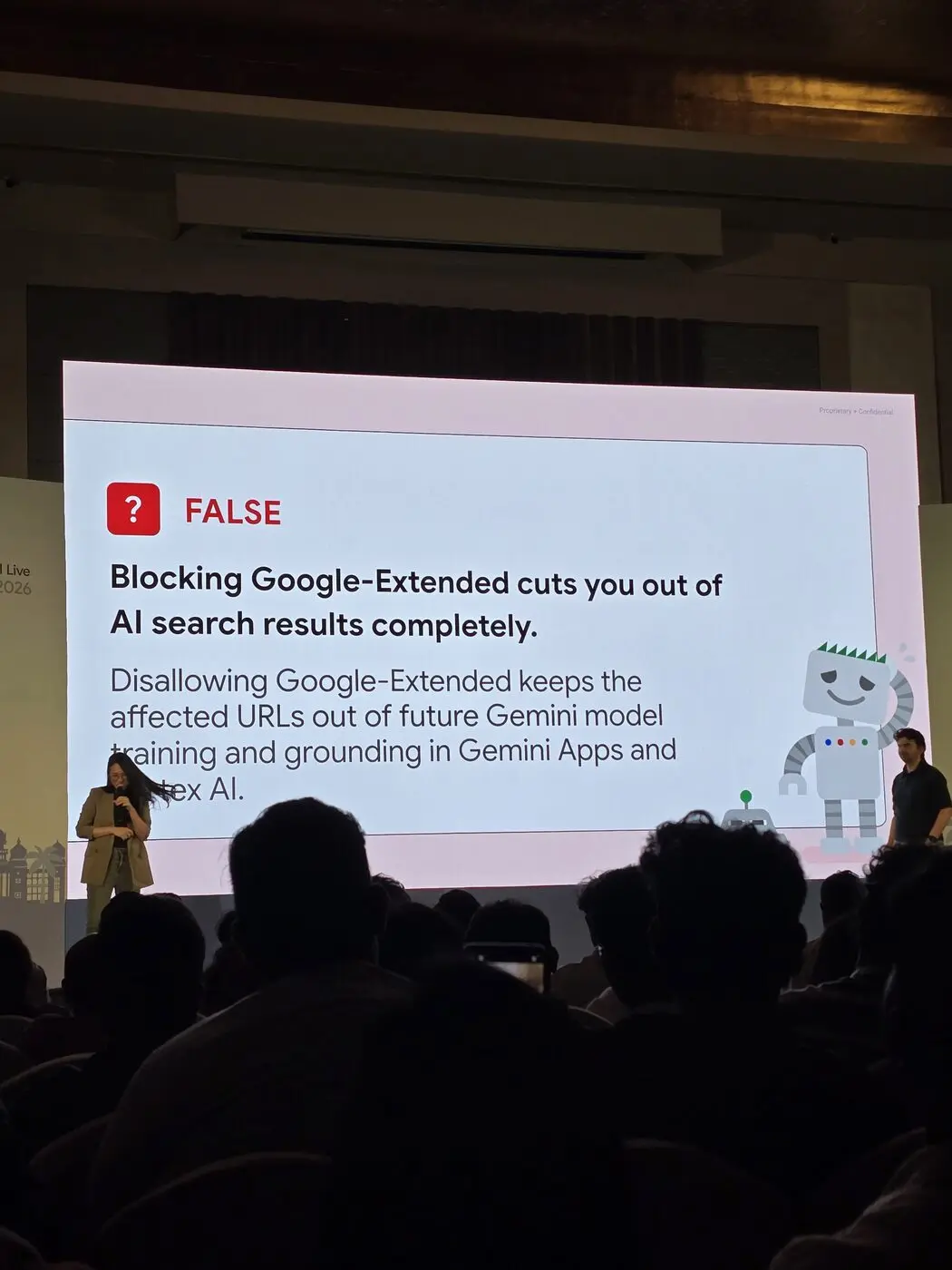
Myth: blocking Google-Extended cuts you out of AI search results completely. Also false. Disallowing Google-Extended keeps the affected URLs out of future Gemini model training and grounding in Gemini Apps and Vertex AI. It isn’t the switch for AI Overviews or AI Mode.
Side by side
| Search Console AI setting | Google-Extended | llms.txt | |
|---|---|---|---|
| AI Overviews and AI Mode | Yes, include or exclude | No | No |
| Future Gemini training | No | Yes | No |
| Grounding in Gemini Apps and Vertex AI | No | Yes | No |
| Removes past training | No | No | No |
| Used by Google | Yes | Yes | No |
What opting out costs
Excluding your site means no impressions and no clicks from AI Overviews and AI Mode. With AI Overviews at 2.5 billion+ monthly users and AI Mode past 1 billion, that’s a large surface to give up.
Treat it as a revenue decision, not a privacy toggle. Before switching to Exclude:
- Check how much of your traffic and conversions come from queries that show AI features.
- Decide whether the content you’re protecting is worth more than that visibility.
- Remember the setting applies to the whole property, so you can’t opt out one section only.
Who might reasonably opt out
- Publishers whose business depends on a click to a paywalled or ad-supported page, and who see AI answers replacing those clicks.
- Sites with licensed or proprietary data they don’t want summarised.
Most businesses that sell a product or service will want to stay in. Being cited in an AI answer is still visibility at the moment of decision. For the other controls and changes Google announced, see my 10 strategic shifts from Search Central Live Bengaluru.
FAQ
Does blocking Google-Extended remove my site from AI Overviews?
No. Google-Extended covers future Gemini training and grounding in Gemini Apps and Vertex AI.
How do I opt out of AI Overviews and AI Mode?
Use the “Search generative AI” setting in Search Console and choose Exclude.
Does Google use llms.txt?
No. Google said it doesn’t use the instructions or data in llms.txt files.
Can I un-train Gemini on my content?
No. Google said disallowing Google-Extended doesn’t un-train models that already learned from your content.